
How to Track AI Search Traffic in GA4 (ChatGPT, Gemini, Perplexity): 2027 Setup
Quick answer: To track AI traffic in GA4, start with the built-in channel. Since 13 May 2026, GA4 automatically groups visits from recognized AI assistants such as ChatGPT, Gemini and Claude into a new AI Assistant channel. It doesn’t catch every AI source, so for a full picture create a custom channel group with a regex rule for AI referrers, placed above Referral. Clicks from Google’s own AI Overviews and AI Mode still show up as Google organic and can’t be separated in GA4.
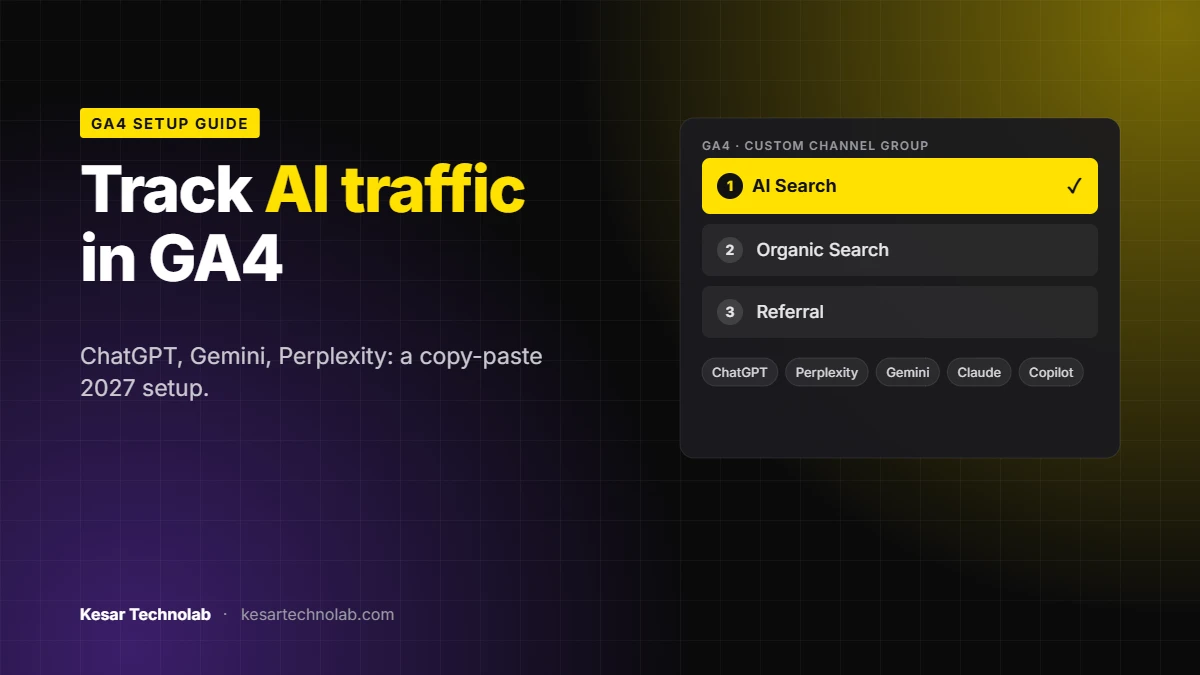
Most marketing teams now get asked “how much traffic do we get from AI?” and can’t answer it, because until recently GA4 put AI chatbot visits in the generic Referral bucket. Here’s how to get a reliable number in about 20 minutes, and what that number still misses.
Step 1: Check the built-in AI Assistant channel
On 13 May 2026, Google added an “AI Assistant” channel to GA4’s Default Channel Group, naming ChatGPT, Gemini and Claude as examples. It applies automatically with no setup.
Where to see it: Reports → Acquisition → Traffic acquisition → primary dimension Session primary channel group (Default Channel Group).
Its limits:
- Google hasn’t published the full list of sources it recognizes. Reviews suggest Perplexity and Claude often still land in Referral.
- Search Engine Journal found the native channel undercounts AI traffic and recommends building your own.
- It doesn’t reclassify sessions from before the change.
Step 2: See which AI sources already send you visits
- Reports → Acquisition → Traffic acquisition.
- Change the primary dimension to Session source / medium.
- Search for each of:
chatgpt,perplexity,gemini,claude,copilot,deepseek.
You’ll typically see rows like chatgpt.com / referral, perplexity.ai / referral or gemini.google.com / referral. ChatGPT also adds utm_source=chatgpt.com to many links it shows, so some of its visits arrive already tagged.
Step 3: Build a custom "AI Search" channel group
A custom channel group applies retroactively across your whole date range, so old ChatGPT sessions stuck in Referral get reclassified too.
- Admin → Data display → Channel groups → Create new channel group. Start from a copy of the default group so all your other channels stay the same.
- Name it, e.g. Channels + AI.
- Add new channel → name it AI Search.
- Condition: Source → matches regex → paste the pattern below.
- Reorder: drag AI Search above Referral (and above the built-in AI Assistant channel if you want everything in one bucket). GA4 assigns each session to the first rule it matches, so if Referral comes first, AI visits get labelled Referral.
- Save. In Traffic acquisition, switch the primary dimension to your new channel group.
.*(chatgpt|openai|perplexity|claude\.ai|anthropic|gemini\.google|bard\.google|copilot\.microsoft|edgeservices\.bing|deepseek|grok|meta\.ai|mistral|poe\.com|you\.com|phind).*Why the .* at both ends? Depending on the GA4 screen, “matches regex” can require the whole value to match. Wrapping the pattern in .* makes it work whether GA4 checks the full value or just part of it.
Watch the limit: GA4 restricts how many custom channel groups each property can have (see Analytics Mania), so add AI Search to one main custom group rather than creating a separate group just for it.
Test the regex before trusting it
- Should match:
chatgpt.com,perplexity.ai,gemini.google.com,copilot.microsoft.com,claude.ai. - Should not match:
google,bing,facebook.com,mail.google.com. - Check monthly for new AI sources in Session source and add them. New assistants and domains keep appearing.
Step 4: Connect AI traffic to leads, not just sessions
Sessions alone won’t justify a budget. Do this too:
- Mark your real conversions as key events (form submits, bookings, demo requests, purchases).
- Build an Exploration: rows = Landing page, columns = your AI Search channel, values = Sessions, Engaged sessions, Key events. This shows which pages AI assistants cite and whether those visitors convert.
- Compare AI Search with Organic Search on engagement rate and conversion rate. AI-referred visitors have often already read a summary, so they tend to arrive further along in their decision. Check whether that holds for your site.
What GA4 still can't see when you track AI traffic in GA4
| Blind spot | Why | What to do |
|---|---|---|
| Google AI Overviews and AI Mode clicks | They arrive as google / organic; Google’s reporting doesn’t separate them from regular results | Track AI Overview citations manually or with an AI visibility tool |
| Copied links and app traffic | Mobile apps and copy-paste often strip the referrer, so the visit lands in Direct | Treat your AI number as a lower bound |
| Mentions without links | AI names your brand but the user searches for you later | Watch branded search growth in Search Console |
| AI crawlers (GPTBot, OAI-SearchBot, PerplexityBot, ClaudeBot) | Bots don’t run GA4’s JavaScript | Check server or CDN logs to see which AI crawlers fetch your pages |
A simple monthly AI visibility report
- AI Search sessions, and the share of total traffic (GA4 custom channel).
- Key events from AI Search (GA4).
- Top 10 landing pages from AI (Exploration).
- Branded clicks (Search Console, query contains your brand).
- Citation check: the same 20 buyer questions run in ChatGPT, Gemini, Perplexity and Google AI Mode, logged as named, cited, or absent.
The first three tell you what AI sends you. The last two tell you what AI says about you, which is where the trend starts.
FAQ: how to track AI traffic in GA4
Does GA4 track ChatGPT traffic automatically?
Partly. Since May 2026, GA4’s default AI Assistant channel groups visits from recognized AI referrers such as ChatGPT, Gemini and Claude. Coverage isn’t complete, so a custom channel group with a regex rule gives a fuller count.
Why does ChatGPT traffic show as Direct?
When a link is opened from an app or copied and pasted, the referrer is often lost, so GA4 can’t tell where the visit came from and records it as Direct.
Can I see Google AI Overview traffic in GA4?
No. Clicks from AI Overviews and AI Mode arrive as Google organic traffic, and Google doesn’t report them separately in Analytics or Search Console.
What regex should I use for AI traffic in GA4?
Use a Source-matches-regex rule covering the main AI domains, wrapped in .* at both ends, and place the channel above Referral. The pattern in Step 3 covers ChatGPT, Perplexity, Claude, Gemini, Copilot, DeepSeek, Grok, Meta AI, Mistral and others.
Seeing AI traffic, or none at all?
If your AI Search channel is close to zero, AI assistants probably aren’t recommending you yet. We’ll test 20 real buyer questions in your category and show you exactly who they name instead. Get your free AI Visibility Snapshot →